Claude Code
by Anthropic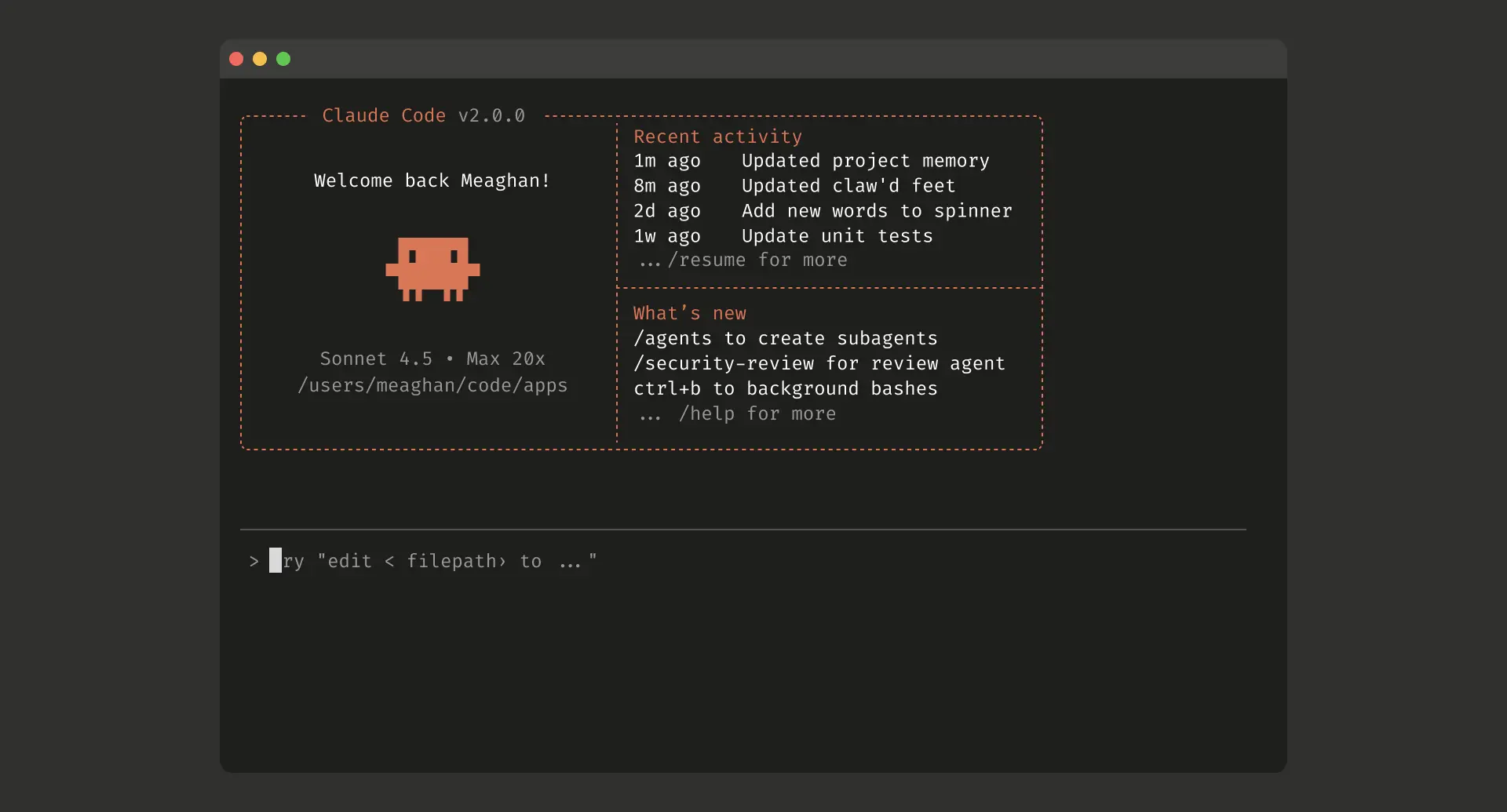
At a glance
Price
$20/mo
Free tier
Yes
Platform
Terminal, VS Code, JetBrains, Desktop app, Web
Best for
Autonomous multi-file coding
Learning curve
Moderate
Last update
2026-03-22
Our take
Editorial verdict · We Did The Homework
Verdict
The most capable autonomous coding agent available. It plans, executes, and self-corrects across entire codebases with minimal supervision. The subagent system and worktree isolation let you run parallel tasks that no IDE plugin can replicate. If you can work in a terminal, nothing comes close.
How it works
Claude Code doesn't ask for your attention. You give it a task, it reads your codebase, plans, edits files across directories, runs commands, and comes back when it's done. The rest of AI coding lives inside your editor and augments what you type. Claude Code operates at a different level entirely.
The subagent system
The subagent system is what makes it feel different. We ran two conflicting refactors simultaneously. One added async/await to an entire API client. One updated the error-handling layer with new exception types. Neither agent knew the other existed. Both finished clean. The worktree isolation handled it. That kind of parallel, fire-and-forget execution doesn't exist in Cursor or GitHub Copilot. You can't replicate it with an IDE extension.
Plan mode
Plan mode earns its mention too. Before touching a single file, Claude Code switches to read-only analysis, maps the relevant code, asks clarifying questions, and produces an editable plan you approve before execution begins. On a database migration with production implications, we caught two edge cases in the plan that would have caused silent data loss. The agent wouldn't have flagged them mid-execution. The plan did.
Extensibility
The extensibility is where Claude Code separates itself from everything else in the category. CLAUDE.md files let you embed project-specific standards that shape every interaction. Layer on path-scoped rules, lifecycle hooks that fire on tool events, MCP server connections, and a plugin marketplace, and you have a customization surface no competitor touches. We configured a hook to run linting after every file edit. The configuration took an afternoon. We haven't thought about it since.
The friction
The real frustration is usage limits. On the $20/month Pro plan, rate-limiting kicked in during extended refactoring sessions, sometimes mid-task. The community has documented this for months. The Max tier at $100/month mostly solves it, but unpredictable throttling during active work breaks flow in a way that's hard to forgive. The other trade-off is structural: if you think in tab completions and inline suggestions, Claude Code has no equivalent. Cursor wins that interaction model. Claude Code asks you to describe what you want, then executes. Different workflow, not a downgrade.
Our call
If your work involves complex backend systems, multi-file migrations, or anything that benefits from scripting and automation, Claude Code is the stronger call. Many teams run both: Cursor for day-to-day editing, Claude Code for the heavy lifting.
What stands out
Subagent orchestration
Spin up isolated sub-tasks with their own context windows and model selections. Built-in Explore and Plan agents ship out of the box, and you can define custom subagents for domain-specific workflows like security audits or migration scripts.
Plan mode
Switches to read-only analysis before any edits. Claude Code maps the relevant code, asks clarifying questions, and produces an editable plan you approve before execution begins. Essential for high-risk refactors.
CLAUDE.md and rules system
Persistent instruction files at project, user, and org scopes that shape every interaction. Path-scoped rules let you enforce different standards for frontend vs. backend code within the same repo.
Hooks and lifecycle events
Custom scripts that fire on tool events — after file edits, on command failures, or before commits. Enables automated linting, testing, and validation without manual intervention.
Worktree isolation
Run parallel coding tasks on separate git worktrees so agents do not interfere with each other. Useful for testing multiple approaches to a problem simultaneously.
Multi-surface continuity
Start a task in your terminal, continue it in VS Code, or hand it off to a cloud session on the web. Session resume, naming, and history search work across all surfaces.
Pros & cons
Pros
Cons
Who it's for
Pricing
Free
$0
- Limited usage via Claude.ai
- Basic Claude Code access
Pro
$20/mo
- Generous Claude Code usage
- Extended context window
- Priority access to Sonnet and Opus models
Max
$100/mo
- Significantly higher usage limits
- Full model access including Opus
- Cloud session execution
Team
$25/seat/mo
- Managed settings and policy controls
- Shared project instructions
- Admin dashboard
Enterprise
Contact Sales
- Custom usage limits
- Zero data retention option
- SOC 2 Type 2 and ISO 27001 compliance
- SSO and org-level policy management
API
Pay-per-token
- Unlimited usage
- Full context window
- Batch API at 50% discount
- Prompt caching for cost reduction
Limitations to know
Bottom line
Choose Claude Code if you want an agent that executes complex, multi-file coding tasks and integrates into scripted workflows. Skip it if you primarily want fast inline completions inside an IDE. Cursor handles that better.