Gamma
by Gamma Tech, Inc.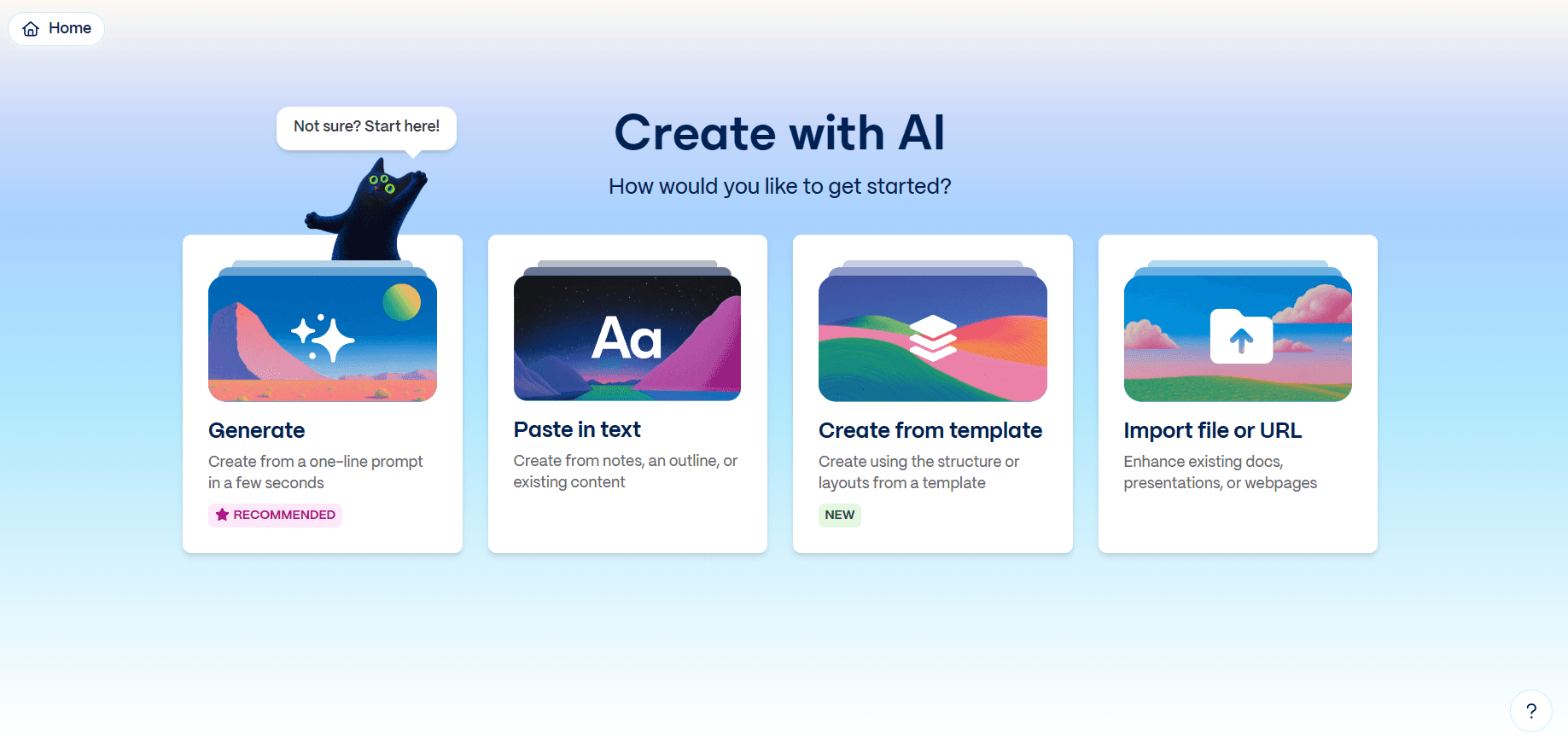
At a glance
Price
$9/seat/mo (billed annually)
Free tier
Yes
Platform
Web
Best for
Fast first-draft decks
Learning curve
Easy
Last update
2026-03-25
Our take
Editorial verdict · We Did The Homework
Verdict
Gamma is one of the quickest ways to get from idea to a polished first deck. In our testing it scored near the top for design, content, export quality, and speed, but prompt-based revisions after generation were weak and often forced manual edits.
What it does
Gamma is built for one job: get you to a presentable deck quickly. In our run, it did that better than most tools in the category. We started from a free account, entered a prompt, and got a detailed outline before generation so we could adjust structure first. That pre-generation step matters because it cuts rework. The first full draft was fast, clean, and immediately usable for an internal review without a long cleanup pass.
What stood out
What stood out most in testing was quality at speed. We scored design quality 5/5, content quality 5/5, export quality 5/5, and speed 5/5. The deck came out with sharp hierarchy, sensible card flow, and copy that was concise enough to present. Visual support was strong too: icons, charts, and tables were clear, and slide variety was better than we expected in a first pass. Customization was also richer than Gamma's simple UI suggests — we could edit text, move elements, swap icons, and tune image framing quickly.
The weak spot
The biggest disappointment was prompt-based editing after generation. We gave this category 1/5 in our test because follow-up modifications through prompt did not hold up reliably. In practice, we had to switch to manual edits for important changes. If your workflow depends on conversational revisions across multiple slides, Gamma is not dependable enough yet. Image quality also remains mixed — many outputs still look obviously AI-generated, especially when you need precise or technical imagery.
Versus traditional workflows
Compared with more traditional slide workflows, Gamma is strongest in creation and weaker in high-control iteration. That lines up with broader community patterns around AI presentation tools: first draft speed is excellent, while export edge cases, billing friction, and heavy revision cycles are where frustration appears. Gamma still wins if your priority is getting from blank page to polished draft quickly, then finishing with light manual edits.
Our call
Pick Gamma if you want speed, good default design, and a free entry point that does not require a credit card. Skip it if your process relies on precise post-generation prompting or you routinely need pixel-perfect revisions under tight brand rules.
What stands out
Outline-first generation flow
Gamma lets you review and edit a structured outline before it generates the full deck. This reduces wasted generations and improves first-pass relevance.
Card-based visual system
The card model produces clean, modern layouts quickly and keeps spacing consistent in most business deck scenarios.
Rapid multi-format export
Export to PPTX, PDF, PNG, and Google Slides is built into the workflow, and in our run export quality was strong.
Rich in-app element editing
You can manually refine text, icons, image framing, and placement without fighting the interface, which helps recover from weak AI revisions.
Strong first-pass content generation
Gamma produced concise, presentation-ready copy with good structure in our tests, reducing the amount of rewriting needed before presenting.
Pros & cons
Pros
Cons
Who it's for
Pricing
Free
$0
- Up to 10 cards per prompt
- 400 one-time credits at signup
- Import from PDF/PPTX
- Export to PDF/PPTX/PNG/Google Slides
Plus (Annual)
$9/seat/mo (billed annually)
- 20 cards per prompt
- 1,000 monthly credits
- Remove Gamma branding
- Advanced AI image models
Pro (Annual)
$18/seat/mo (billed annually)
- 60 cards per prompt
- 4,000 monthly credits
- Custom branding and fonts
- Detailed analytics and advanced sharing
- API access and workspace templates
Ultra (Annual)
$90/seat/mo (billed annually)
- 75 cards per prompt
- 20,000 monthly credits
- Most advanced text, image, and video models
- Up to 100 custom domains
- Early feature access
Limitations to know
Bottom line
Get Gamma if your top priority is speed to a polished first draft. Skip it if you need reliable prompt-driven revisions after generation or strict brand-perfect control.