Manus AI
by Butterfly Effect Pte. Ltd.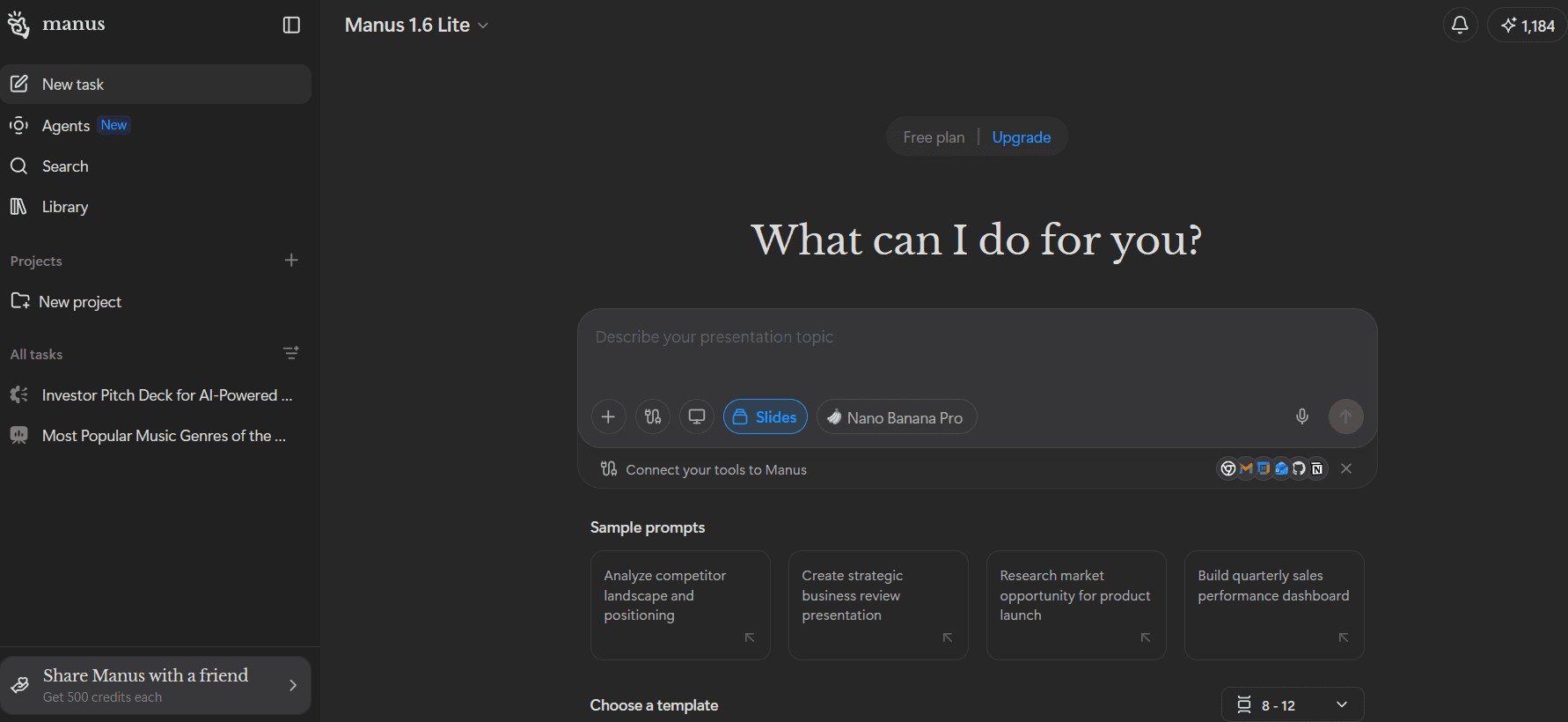
At a glance
Price
$20/mo ($17/mo annual equivalent)
Free tier
Yes
Platform
Web, Desktop, Mobile
Best for
Research-heavy first-draft decks
Learning curve
Moderate
Last update
2026-03-25
Our take
Editorial verdict · We Did The Homework
Verdict
Manus AI is one of the strongest options for research-heavy first drafts, with crisp content and excellent speed. We liked the output quality for substance, but visuals and theme controls were too basic for teams that need design-forward decks out of the box.
Where it impresses
Manus AI impressed us most where many slide tools fall apart: substance. In our testing, it produced a complete deck in about two minutes from a single prompt and delivered content that was consistently data-driven and crisp. We scored content quality 5/5 and speed 5/5, which put it in rare company for this category. If you care more about the argument on each slide than decorative polish, Manus starts strong and stays useful.
What worked best
What worked best was the core generation loop. We could go straight from prompt to finished presentation without a long setup flow, then export directly to PPTX, PDF, or Google Slides. Export quality also scored 5/5 in our run. We also scored prompt modifications and context awareness 4/5 — follow-up instructions generally tracked prior context, and Manus handled targeted changes better than most tools that claim conversational editing but quietly reset state.
The trade-off
The biggest trade-off was design tone. We scored design quality 3/5 because the deck looked clean but very simple — it works as a minimal baseline, not as a polished final presentation for high-stakes client work. Visual quality also landed at 3/5. We saw fewer compelling icons, images, and graphics than we wanted, and the elements that did appear often needed resizing or cleanup. Theme editing depth was limited.
Versus Gamma
Compared with Gamma, our current category leader, Manus wins more on research-first output than on design-first finish. Gamma generally gives a more polished visual first pass, while Manus gives stronger raw material for narrative and data framing. If your workflow values autonomous thinking and structured content generation, Manus can feel smarter earlier in the process. If your workflow depends on standout visuals with minimal manual pass, Manus can feel too restrained out of the box.
Commercial trust
The other caveat is commercial trust, not generation quality. We saw no credit-card wall in our first-hand run, but broader community sentiment repeatedly flags billing ambiguity and cancellation friction. That does not erase Manus' performance in our tests, but it does mean budget-sensitive teams should validate plan fit before scaling usage. For us, Manus is a strong tool for building serious first drafts quickly, as long as you accept that visual polish and some revision direction still need a human hand.
What stands out
Agent-style research plus deck generation
Manus combines autonomous research behavior with slide creation, which helps produce content that feels informed rather than templated.
Fast one-prompt draft creation
In our run, it generated a complete presentation in about two minutes. That speed is useful when you need to move from idea to review quickly.
Strong export coverage
PPTX, PDF, and Google Slides export options are built in, and export quality held up well in our test workflow.
Context-aware follow-up prompting
Post-generation prompt edits were generally aware of earlier deck context, making iterative updates more usable than typical one-shot generators.
Cross-platform availability
The product spans web, desktop, and mobile surfaces, which makes it easier to start work anywhere and continue in the same account flow.
Pros & cons
Pros
Cons
Who it's for
Pricing
Free
$0
- Daily free credits
- Prompt-to-presentation workflow
- No credit card required in our test run
Standard
$20/mo ($17/mo annual equivalent)
- 4,000 credits per month
- 300 refresh credits daily
- Slides and web capabilities
- Up to 20 concurrent tasks
Pro
$40/mo ($34/mo annual equivalent)
- 8,000 credits per month
- Higher monthly usage envelope
- Access to the same core generation workflows
Max
$200/mo ($167/mo annual equivalent)
- 40,000 credits per month
- Extended usage for high-volume workflows
- High concurrency and scheduling limits
Team
$20/seat/mo or $200/seat/yr
- 4,000 credits per seat/month pooled across team
- Admin usage dashboard
- Team collaboration controls
Limitations to know
Bottom line
Get this if you want fast, research-rich deck drafts with strong exports. Skip it if you need design-led polish and deep theming without manual cleanup.